Açıklama
Integrated safety technology offers considerable advantages over hardwired safety technology. The primary focus here is on the expandability and maintainability of the safety technology in the machine.
- Integrated safety technology
- Safe I/O modules
- Adding and configuring SafeLOGIC / SafeLOGIC-X devices
- Functionality of the enabling principle, multi-channel analysis and restart behavior
- Project creation and hardware configuration
- Working with SafeDESIGNERSafeDESIGNER is a feature in Automation Studio where the safety-related application is created and configured.
- PLCopen Safety function blocks
- Communication between the standard application and the safety application
- Developing a safety application according to the V-model
- Commissioning and service options
- Documentation and example projects
Sağlanan belgeler
TM500 – Introduction to Integrated Safety
Integrated safety technology offers considerable advantages over hard-wired safety technology. Project development, maintenance and flexibility are just a few of the key points.
Objectives and content
- Requirements of a safety system
- Features and philosophy of integrated safety technology at B&R
- Safety principles and functionality
- Overview of safety components
- SafeKEY, SafeLOGIC and safe I/O modules
- Information about the commissioning and maintenance of safety technology
Name | Model number | ||
|---|---|---|---|
 | TM500 – Introduction to Integrated Safety | TM500TRE.00-GER TM500TRE.00-ENG |  |
TM510 – Working with SafeDESIGNER
TM510 – Working with SafeDESIGNER
Learning objectives and content
- Configuring hardware in Automation Studio
- Adding and configuring SafeLOGIC / SafeLOGIC-X devices
- Adding and configuring safe I/O modules
- Working with SafeDESIGNER
- User management and interface
- Linking I/O channels and configuring modules for safety
- Simulation, online connection and download
- Programming the safety application in the graphical editor
- Commissioning the safety application
- LED status indicators, diagnostic/status values
- Module replacement and maintenance
- Examples and exercises
Ön koşullar
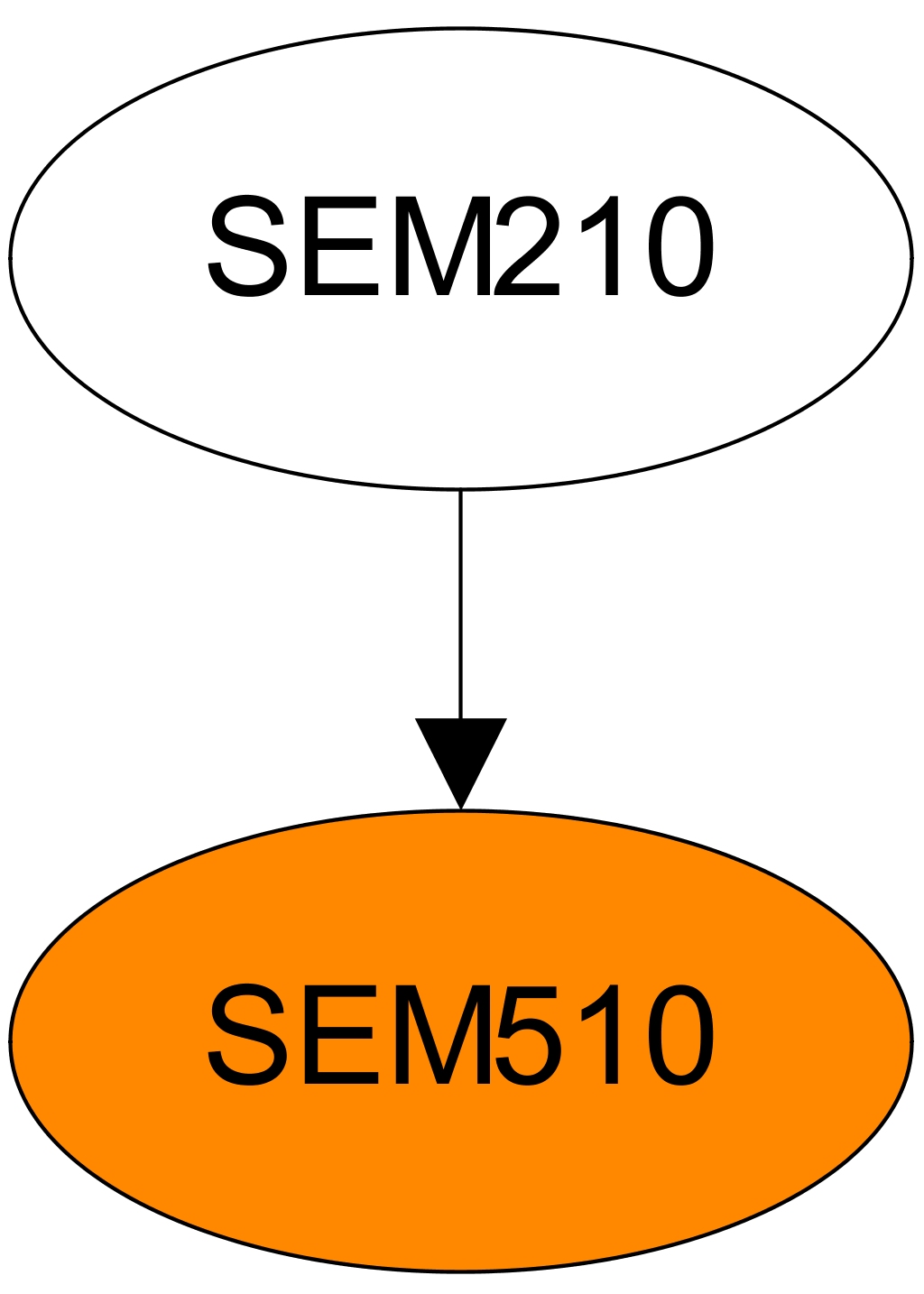
SEM210 – Automation Studio Training: Basics
Automation Studio is used to configure and program all B&R controller components. Core issues such as getting a clear overview of all product groups, initial commissioning of a controller, understanding the functions of the runtime environment and being familiar with the options for integrated configuration and diagnostics are decisive.
Learning objectives and content
- B&R company presentation
- B&R philosophy and products
- Using Automation Studio
- Using the integrated help documentation
- Establishing an online connection to the control system
- Initial installation of a controller
- Project engineering for the hardware configuration
- Working with the text and table editors
- Functions and configuration options in Automation RuntimeAutomation Runtime is the operating system that runs on all B&R controllers
- Runtime and startup behavior of the controller
- Use of the integrated diagnostics options
- Overview of available programming languages
Documents provided
 |
Model numarası
SEM510.2
Şimdi kayıt ol Fiyat bilgisi için lütfen satış temsilcinizle iletişime geçin.
Etkinlik konumu
B&R HQ: Odense
Rolundvej
5260 Odense
Danimarka
Organizatör
B&R HQ: Odense
Rolundvej
5260 Odense
Danimarka
Telefon:
+45 / 6315 3080
Ek bilgi
Kimden: 04/30/2026
Başla: 08:00
Kime: 05/01/2026
Son: 16:00
Rezervasyon durumu:
Süre:
2 Günler
Dil: Danca